Add the people you love
Each person gets their own sealed vault. Only they can open it, and only when the time comes. Their password is the answers to three questions you write for them.
Follow along: click the app window and press Windows key + Left arrow, then click this browser and press Windows key + Right arrow. The app and this guide sit side by side.
The home screen
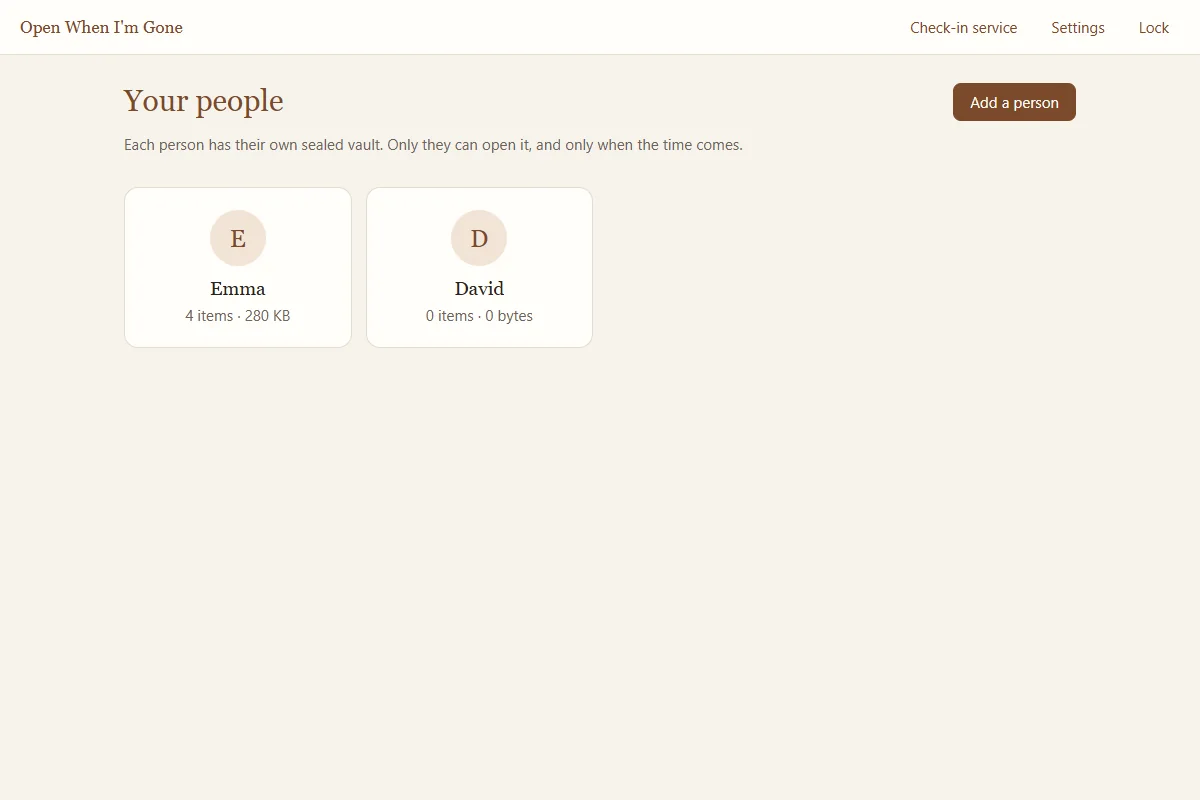
After you unlock, the home screen shows Your people. At the top right are Check-in service, Settings, and Lock. Each person appears as a card with how many items they have and how much space they use.
Add a person
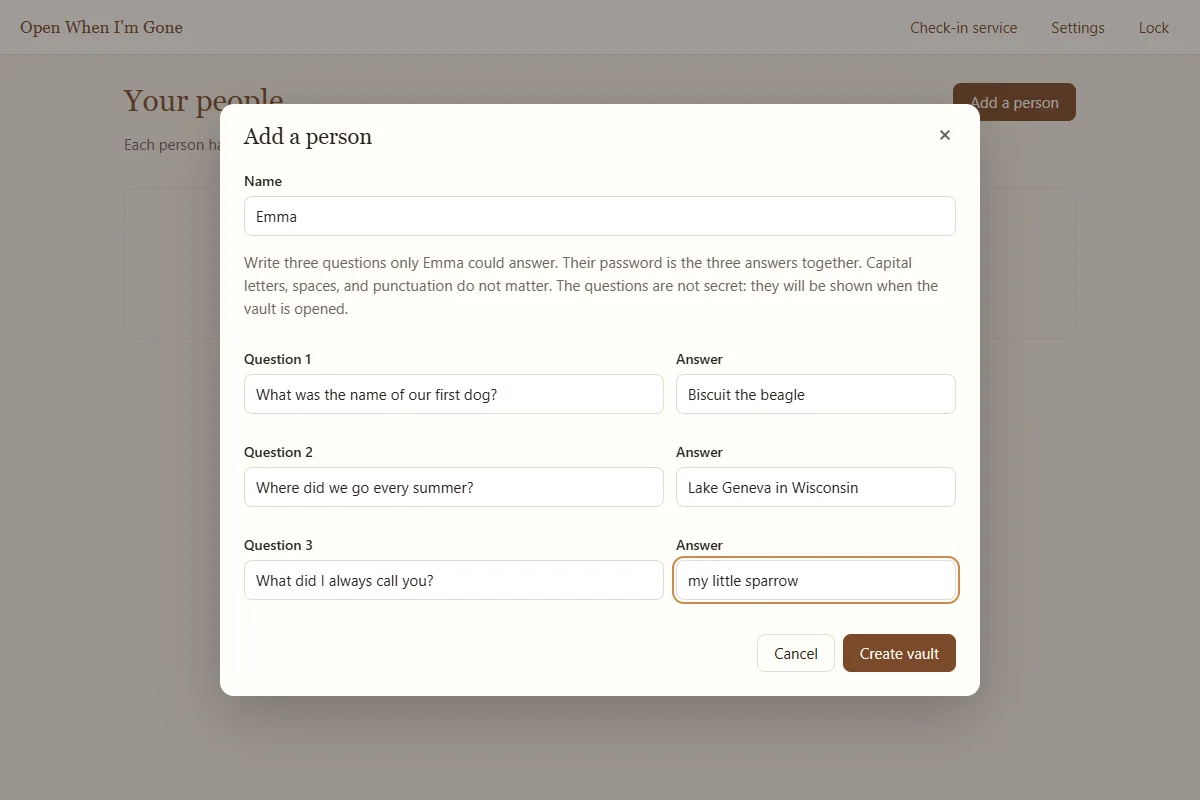
- Click Add a personOn the home screen click Add a person.
- Type their nameThe name they will see, for example Emma or Grandma Rose.
- Write three questionsQuestions only this person could answer, such as "What was the name of our first dog?", "Where did we go every summer?", or "What did I always call you?". The questions are not secret: they are shown when the vault is opened, and they appear in the family guide you give them.
- Type the three answersThe answers together are their password. They are never stored anywhere.
- Create the vaultClick Create vault. Sealing takes a few seconds. The recovery kit for this person appears next; print it right away (see Recovery kits).
Choosing good answers
When your family member types the answers later, capital letters, spaces, and punctuation do not matter. "Lake Geneva, 1998" and "lake geneva 1998" both work. A wrong answer never damages or locks the vault, so they can try other ways of writing it.
The app warns you, under each answer, when an answer is easy to guess:
| Warning | What to do |
|---|---|
| "A number or date alone is easy to guess." | Add words: "the summer of 1998 at the lake" is far stronger than "1998". |
| "This is a very common word." | Use a phrase only the two of you would know. |
| "A single common name is easy to guess." | Add something to it: "Rex the second" rather than "Rex". |
| "Very short answers are easy to guess." | Aim for at least a few words per answer. |
| "Together the three answers are short. Longer answers are much safer." | Make at least one answer longer. |
| "Two answers are the same." | Use three different answers. |
Pick answers the person will remember the same way in twenty years. Avoid things that change, like a current address or a favorite song this year. If they ever cannot answer, their sealed recovery envelope opens the vault without the answers.
A person's page
Click a person's card to open their page, titled "For" and their name. From here you add everything for them: Write a letter, Record video, Record audio, Add files, and Add a folder. The next part of this guide covers each one.
The link How [name] will open this shows the family guide for that person (see The family guide).
Change questions, rename, or remove
On a person's page, click More:
- How [name] will open this vault: the family guide to print or save for them.
- Change questions or print a new kit: change the questions or answers, or simply print a fresh kit. Saving makes a new release key and a new recovery code. The old ones stop working, including printed kit pages and saved key files, so destroy them. To print a fresh kit without changing anything, type the same questions and answers again and click Save and make a new kit.
- Rename: change the name shown.
- Remove this person: permanently deletes their vault and everything in it from this computer. You must type their name to confirm. Copies on USB drives and backups are not affected. If the check-in service is connected, their personal link there is deleted too.
Removing a person cannot be undone on this computer. If you only want to change their questions, use Change questions or print a new kit instead.
How many people?
Add everyone you want to leave something for: a spouse, children, grandchildren, close friends. Each vault is separate. One person can never open another person's vault. If you want the same item to go to several people, add it once and use Share (see Sharing an item).